

Screen Annotation
By 雨嘉
Type, circle, draw arrows and spotlight directly on screen while recording, so viewers see exactly what you are pointing at.
Screenshots
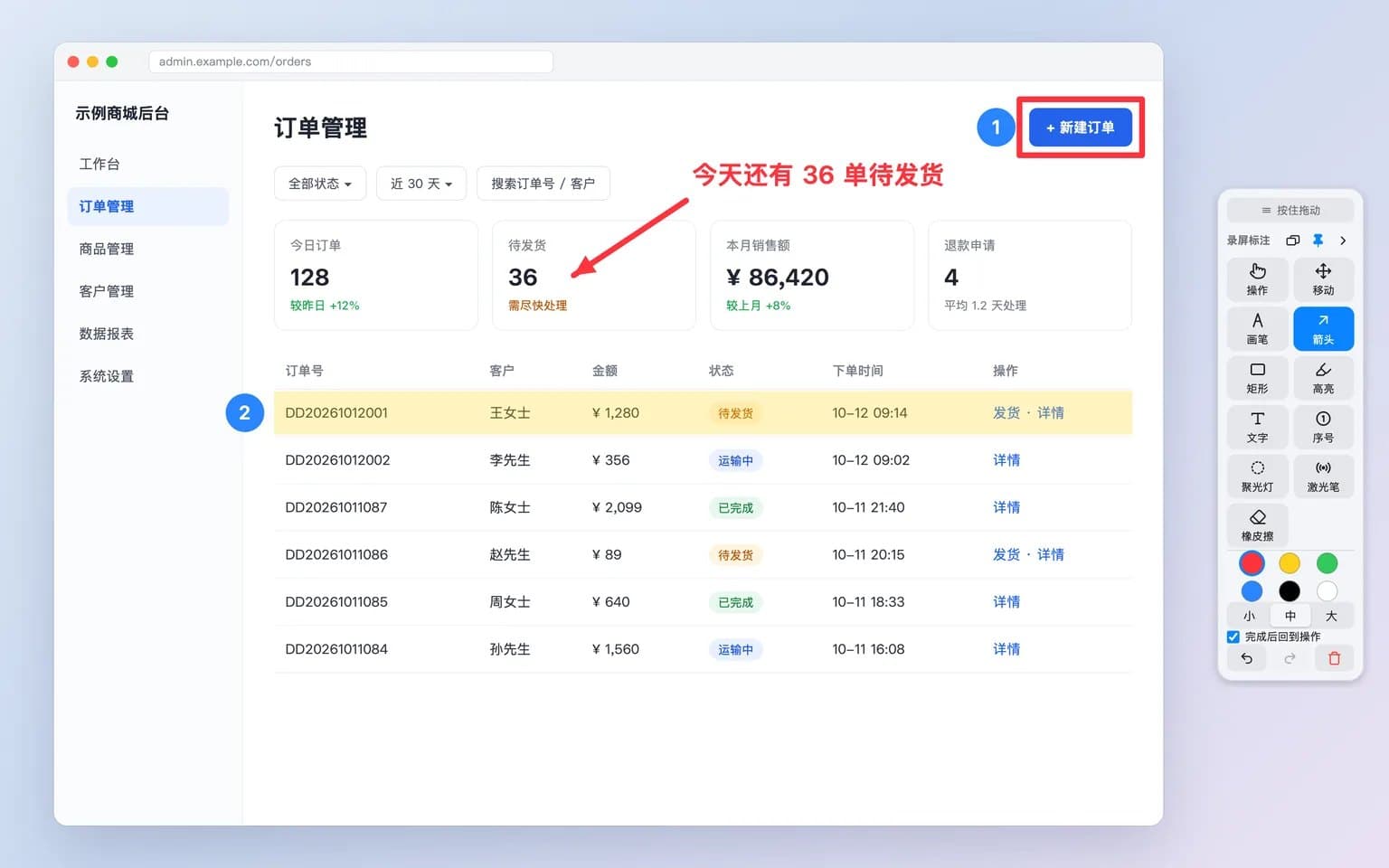
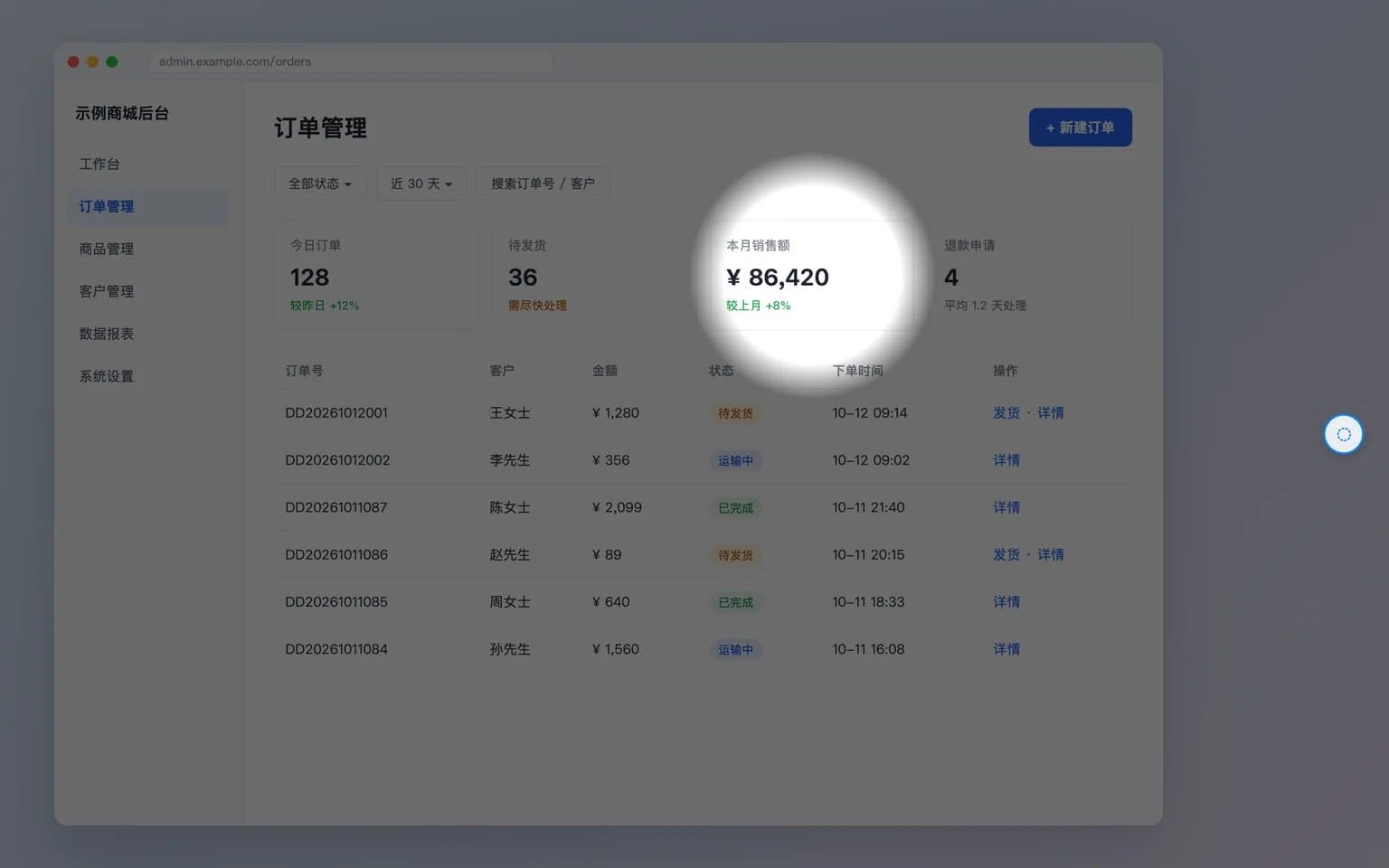
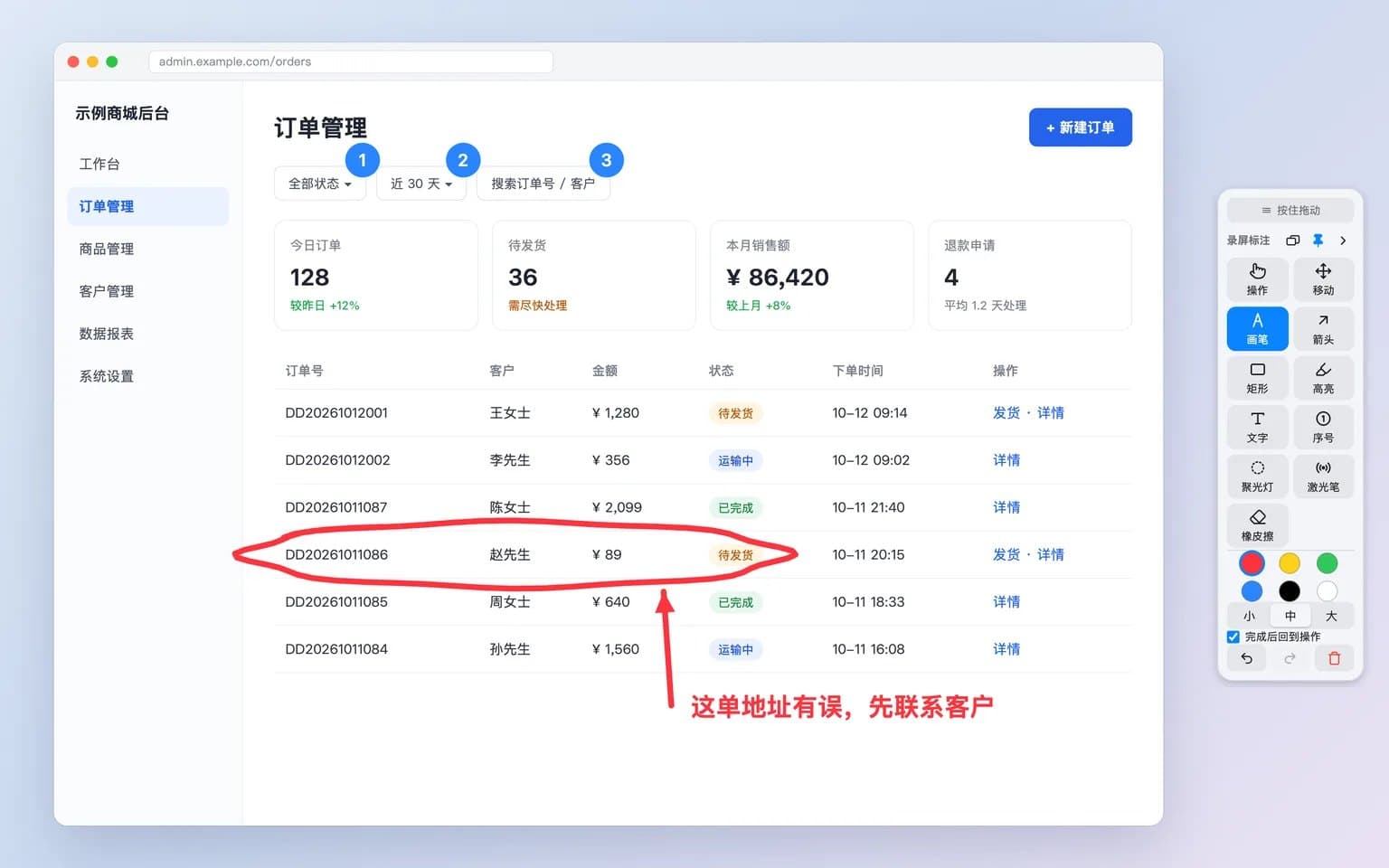
Who it's for
For people doing remote service delivery, walking customers through an issue, recording software tutorials, or giving product demos.
What it solves
- Make the point clear while screen recording
- Hold attention with a spotlight and laser pointer
- Works with any screen recorder
Download
Changelog
v1.0.2
Mac 不再弹出钥匙串密码框
- 修复 Mac 每次打开都弹出「录屏标注想要使用你储存在钥匙串中的机密信息」的密码框,升级后也不会再弹。
- 升级到 1.0.2 后需要重新登录一次;如果升级后打开时又弹了一次钥匙串框,点「拒绝」后正常登录即可。
- 本版只更新 Mac,Windows 无变化。
v1.0.1
新 logo,Windows 工具栏与 Mac 版统一
- 换上新 logo,Mac 与 Windows 统一使用。
- 修复 Windows 登录后选了移动或绘制工具,鼠标停在「+」、点不到工具栏、切不回操作模式的问题;非操作模式下按 Esc 一定回到操作模式。
- Windows 工具栏改成与 Mac 版一致:默认收起为圆点,点击展开两列图标工具、六色色板、小/中/大尺寸、撤销/重做/清空,可拖动、固定展开、移到下一块屏幕;检查更新与退出登录在托盘菜单里。
- 修复 Windows 文字工具无法输入:现在在点击位置直接输入,回车完成、Esc 取消。
- Windows 点击工具栏不再抢走正在演示的应用的焦点;颜色、尺寸等设置会被记住。
v1.0.0
接入统一登录,新增 Windows 版
- 使用 aoyi 统一登录并激活后使用;最近一次在线验证成功后,断网时最多可离线使用 30 天。
- 启动时自动检查更新,也可手动检查;发现新版后跳转到本页下载,同一版本只自动提醒一次。
- Mac 提供 Apple 芯片与 Intel 两个安装包。
- 新增 Windows x64 版:透明置顶标注、多屏、托盘,以及完整的绘制与编辑工具。
Related articles
- What tool should you choose for using annotated recordings for product demos and bug reports, and is Screen Annotation a fit?A Nange Software Box answer guide to using annotated recordings for product demos and bug reports: what Screen Annotation is, how to use it, who it fits, and how to test it at RMB 19.9/month.
- How do you use Screen Annotation for creating clearer software tutorials and online lessons?A Nange Software Box answer guide to creating clearer software tutorials and online lessons: what Screen Annotation is, how to use it, who it fits, and how to test it at RMB 19.9/month.
- How can you solve annotating screen recordings for remote technical support with Screen Annotation at RMB 19.9/month?A Nange Software Box answer guide to annotating screen recordings for remote technical support: what Screen Annotation is, how to use it, who it fits, and how to test it at RMB 19.9/month.
Similar products

Manage room booking, approvals, check-in, and meeting notes in one workflow.
Make attendance and check-in workflows easier for organizations.